On this page
vMail PST Merge Tool Coupons & Pricing
vMail PST Merge Tool
3 plans · best save 78%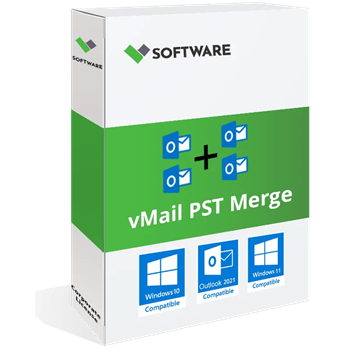
Personal License ★ Best Deal
1 Year License for 2 PCs | 1 Year Software Updates | Free Technical Support
Corporate License
Lifetime License for 5 PCs | 1 Year Software Updates | Free Technical Support
Technician License
Lifetime License for 10 PCs | 1 Year Software Updates | Free Technical Support
Is the vMail PST Merge Tool coupon legit?
Yes. The discount is applied on the developer’s own store, and you end up with a genuine license key.
Official source
You buy directly from vMail Software Solutions at vsoftware.org, not from a key reseller. The program is also listed on the Microsoft Store.
No crack, no patch
You install vMail’s official build and unlock it with a real key, so nothing is modified or repackaged.
Payment stays with the vendor
Checkout happens on vMail’s site, so your card details never pass through WinningPC.
Refund, with a catch
You have 10 days to request a refund, and only for purchases made directly from vsoftware.org. That window is short, so test the program right after you buy.
How to Use the vMail PST Merge Tool Coupon Code
Choose Personal, Corporate, or Technician in the vMail PST Merge Tool Coupons & Pricing box, then click the “COPY” button.
The coupon code XMAS** is automatically applied. There’s no need to copy or paste it.
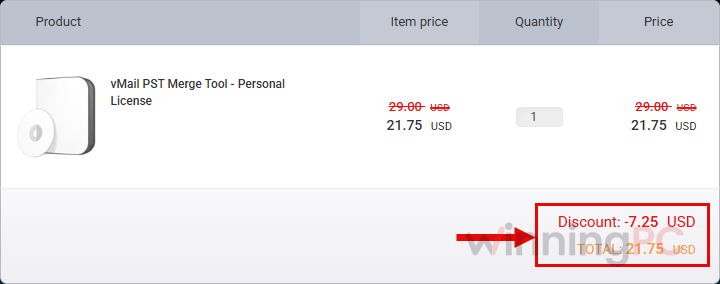
Check the total before paying. It should be $21.75, $74.25, or $149.25, depending on the selected plan.
Complete the payment, then enter the license key provided by vMail into the software to unlock the full version.
How well does vMail PST Merge Tool work?
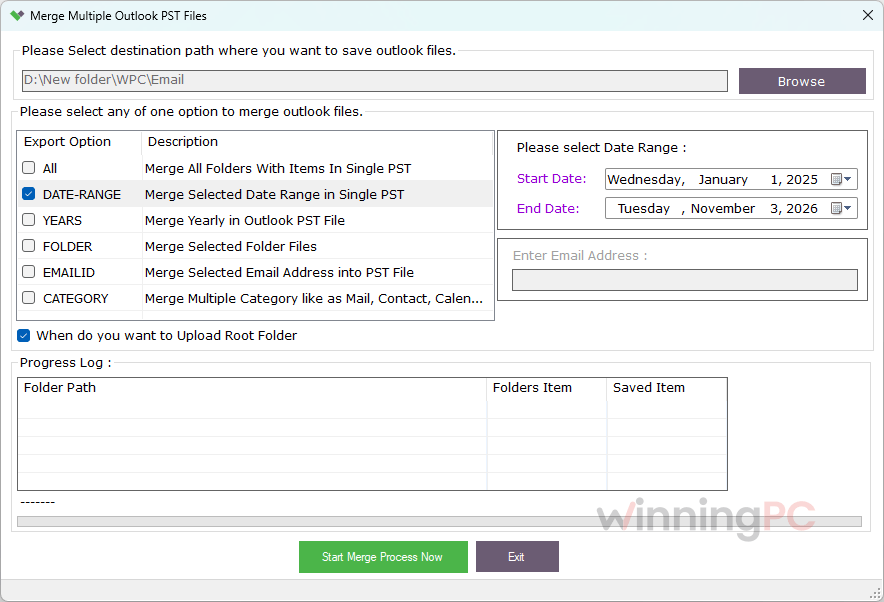
In practice, the duplicate filter and the date range option are what earn vMail PST Merge Tool its place. If you merge two overlapping backups without removing duplicates, every email shows up twice, which is exactly the mess you were trying to clean up. The date filter lets you build a lean archive of, say, the last few years instead of one giant file. It’s a step-by-step wizard, so you don’t need to know anything about how PST files work internally.
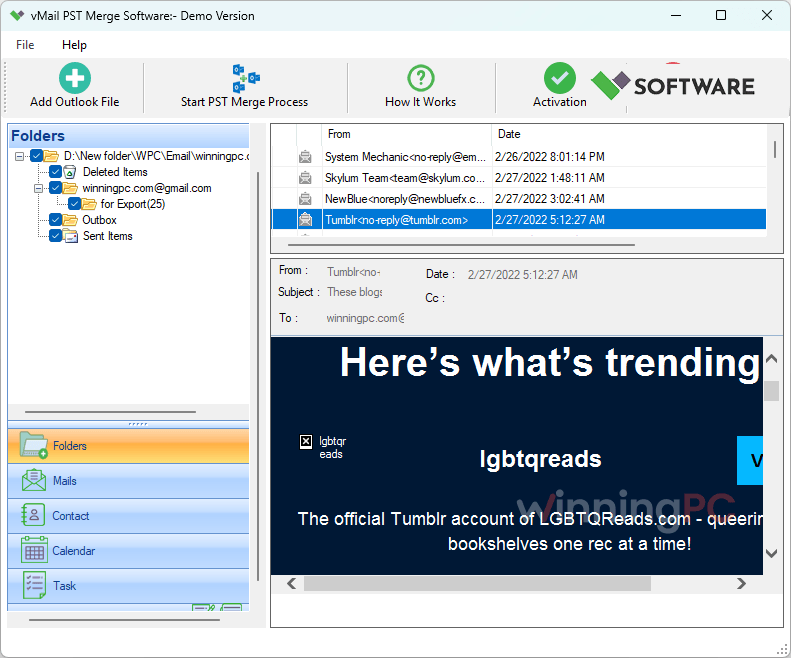
The weak spots are age and coverage. This is version 1.0, and vMail’s official compatibility list stops at Outlook 2021, with nothing said about Outlook 2024 or Microsoft 365. The vMail PST Merge Tool free demo only saves 30 items. That’s enough to confirm it reads your files, but not enough to judge how it handles a really large archive.
Key features
- Many PST files into one: your folder tree, attachments and email attributes come through the merge intact, with no file size limit on the merge itself.
- Duplicate removal: repeated items are dropped during the merge, which is useful when your backups overlap.
- Date range filter: you merge only mail from the period you pick.
- Selective folders: you untick any folder you don’t want, such as Junk, and the rest gets merged.
- Password support: it handles password-protected PST files, and you can put a password on the merged file.
What we think
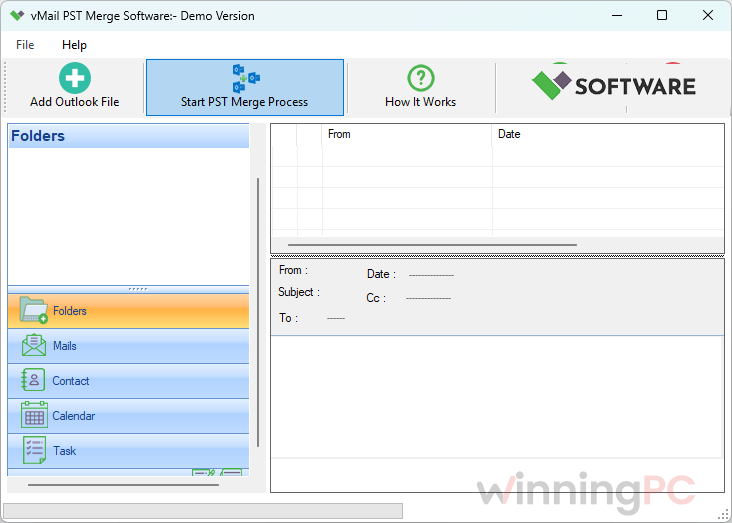
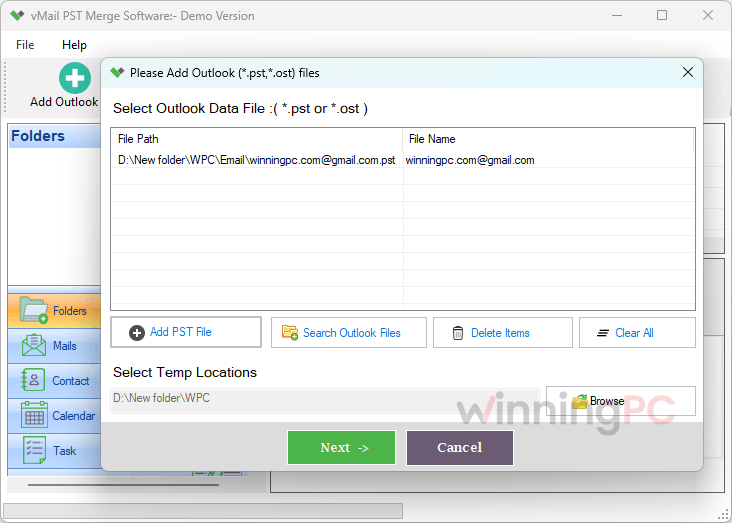
More vMail PST Merge Tool Screenshots
Which vMail PST Merge Tool plan should you buy?
| Plan | Price with code | License length | PCs | Cost per PC | Best for |
|---|---|---|---|---|---|
| Personal | $21.75 | 1 year | 2 | $10.885 | A one-off cleanup of your own archives |
| Corporate | $74.25 | Lifetime | 5 | $14.85 | A small office, or anyone who’ll use it beyond a year |
| Technician | $149.25 | Lifetime | 10 | $14.925 | IT staff covering many machines |
All three plans include 1 year of updates and free technical support. If you only need to merge files once, Personal is the clear value pick. If you’ll still be merging next year, compare the cost of renewing Personal against Corporate’s lifetime license before you buy.
vMail PST Merge Tool vs the alternatives
| Tool | Entry price | Refund | Where it stands out | Best for |
|---|---|---|---|---|
| vMail PST Merge Tool (this deal) | $21.75 with code | 10 days | Duplicate removal, date filter, selective folders | The cheapest one-off merge |
| SysTools PST Merge | $29.25/yr | 30 days | Merges into a new PST, an existing PST or straight into your Outlook profile; Mac version available | Merging directly into a live Outlook profile, or Mac users |
| Kernel Merge PST | $34.3/life (Home) | 30 days | Lifetime updates, Office 365 Outlook listed as supported | Home users who want updates long-term |
| Shoviv PST Merge | $44.10/yr (Personal) | 15-30 days | Merge or join PSTs, or merge only the Contacts folders | Combining contact lists from several PSTs |
| Stellar Merge Mailbox for Outlook | $35.1/yr (Standard) | 30 days | Technician edition ($269.1/year) also merges Gmail, Yahoo and Microsoft 365 mailboxes into one PST | Pulling online mailboxes into one archive |
| Outlook’s built-in Import/Export | Free | n/a | Imports one PST into another, with a “do not import duplicates” option | Two or three small files |
On the first year’s price, vMail PST Merge Tool wins outright: $21.75 undercuts every paid tool in this table. It loses ground in three places. Its refund window is 10 days against the usual 30. Kernel’s $34.3 Home license includes lifetime updates, which costs less than vMail’s own $74.25 lifetime plan (though Kernel’s is for personal use only). And SysTools and Kernel both list newer Outlook versions than vMail’s 2021 cut-off. If you only have a couple of small archives, Outlook’s Import wizard (File > Open & Export > Import/Export) does the job for free, one file per run.
Frequently Asked Questions
Does one code work on all three plans?
Yes, the same code XMAS2*** applies to every plan, but the discount varies. Personal gets 78% off, while Corporate and Technician get 50%.
Does vMail PST Merge Tool support Outlook 2024 or Microsoft 365?
They aren’t on the official list, which stops at Outlook 2021. The PST format itself hasn’t changed in a way that should break merging, but that’s not a promise from vMail. Run the free demo on a PST file from your current Outlook before you buy.
Can I merge PST files for free?
Partly. The vMail demo merges and saves up to 30 items, which is fine for a test but not for a real archive. For a few small files, Outlook’s built-in Import/Export wizard merges one PST into another at no cost.
Will the merged file be too large for Outlook?
vMail PST Merge Tool can be. vMail places no size limit on the merge, but Outlook 2010 and later cap a PST at 50 GB by default (Outlook 2003 and 2007 at 20 GB). If your combined archives approach that size, use the date filter to create two smaller files instead of one huge one.
Do I need Outlook installed?
No, according to vMail. The developer’s own guide describes merging PST files without Outlook, so it works on a machine that only holds the files.
What happens when the Personal license’s year is up?
The vMail PST Merge Tool Personal plan is a 1-year license, so plan to renew or buy again after 12 months. Renewal pricing and auto-renew terms aren’t listed in the offer details. If you need the tool long-term, Corporate’s lifetime license avoids that question.
How do I get a refund?
Contact vMail within 10 days of buying directly from vsoftware.org. Requests made after 10 days aren’t accepted unless the purchase was fraudulent.
System Requirements & Details
| Field | Value |
|---|---|
| Operating system | Windows 11, 10, 8.1, 8 |
| Outlook versions | 2021, 2019, 2016, 2013, 2010, 2007 and older |
| Processor | Pentium class |
| RAM | 4 GB |
| Disk space | 50 MB for installation |
| Supported input formats | PST, including password-protected files (OST mentioned in vendor guide) |
| Supported output formats | PST (one merged file, saved to a location you choose) |