On this page
vMail PST to MBOX Converter Coupons & Pricing
vMail PST to MBOX Converter
3 plans · best save 56%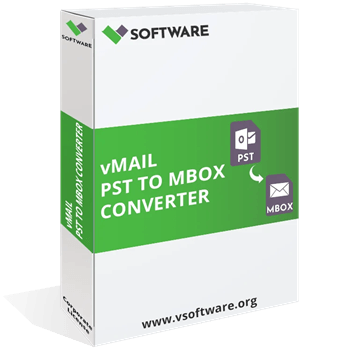
Personal License ★ Best Deal
1 Year License for 2 PCs | 1 Year Software Updates | Free Technical Support
Corporate License
Lifetime License for 5 PCs | 1 Year Software Updates | Free Technical Support
Technician License
Lifetime License for 10 PCs | 1 Year Software Updates | Free Technical Support
vMail PST to MBOX Converter for macOS
3 plans · best save 56%Personal License ★ Best Deal
1 Year License for 2 PCs | 1 Year Software Updates | Free Technical Support
Corporate License
Lifetime License for 5 PCs | 1 Year Software Updates | Free Technical Support
Technician License
Lifetime License for 10 PCs | 1 Year Software Updates | Free Technical Support
Is this vMail coupon legit?
Yes. The discount runs on V Software’s own checkout, you can test the tool on your real files before paying, and there’s a refund window if it disappoints.
Official source
The link applies a code issued for WinningPC readers on the publisher’s store, not a reseller or a grey-market key site.
No crack or keygen
You install V Software’s official build and unlock it with a genuine license key. Nothing is patched or repackaged.
Try it, then 10 days to change your mind
The free demo works like the full version until you save, and it caps output at 30 items per folder. If the paid version still isn’t right, V Software refunds direct purchases requested within 10 days.
Your PST stays untouched
V Software says the tool only reads the PST and writes new output files, so the original Outlook data isn’t modified.
How to Use the vMail PST to MBOX Converter Coupon Code
Click the vMail PST to MBOX Converter (Personal, Corporate or Technician) coupon link on this page.
V Software’s checkout opens with the WinningPC code already in place.
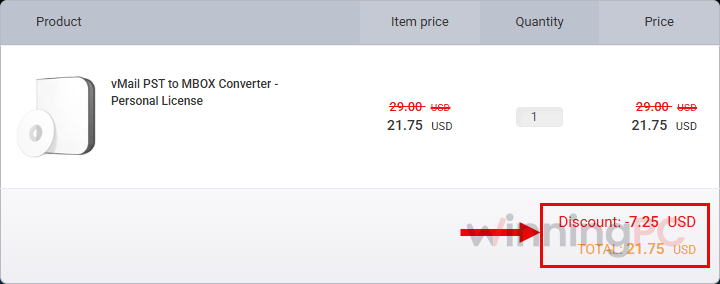
Check that the price reads $21.75, $66.75 or $149.25 before you pay.
Complete the purchase and enter the license key you receive to unlock the full version. The free demo stops at 30 items per folder, so this step is what removes the cap.
How well does vMail PST to MBOX Converter work?
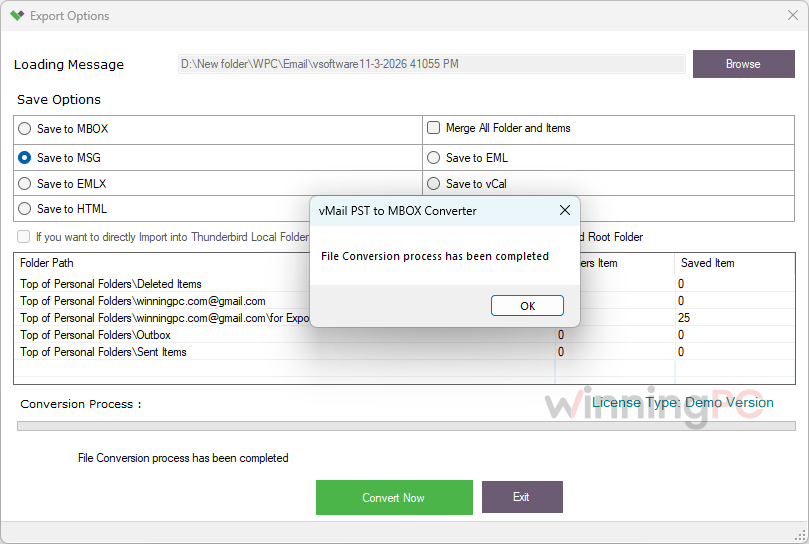
vMail PST to MBOX Converter is a tool whose name undersells it. When we installed the Windows version, the save screen offered seven formats rather than one, and that settled our biggest doubt: contacts and calendars don’t get squeezed into an MBOX file, they go out as their own vCard and vCal files. There’s also an option to merge all folders and items into a single output, handy if you just want one mailbox to import.
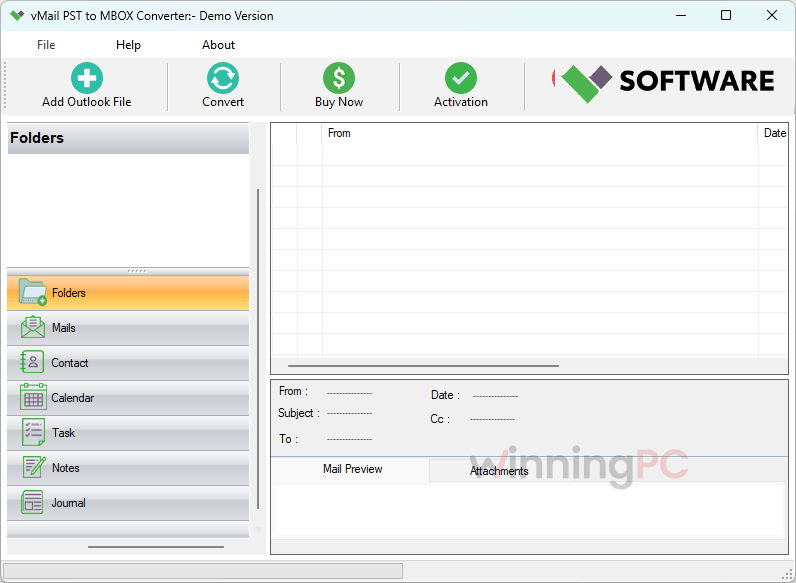
Where the tool really earns its price is on the awkward PST files that trip up free import options: password-protected ones, damaged ones, and old ANSI archives from Outlook 2002 or 2003. That matters more than it sounds, because many people migrating today are hauling a decade of old archives along with them. What it won’t do is move mail anywhere for you. Every option saves a local file, so there’s no direct upload to Gmail, Microsoft 365 or an IMAP account. The vendor page is also rough around the edges, with typos and generic testimonials.
Key features
- Saves to seven formats, including vCard for contacts and vCal for calendars.
- Reads PST files from Outlook 2002 through 2021, in both ANSI and Unicode formats.
- Opens password-protected and damaged PST files and exports what it recovers.
- Batch mode with no file size limit, plus an option to merge all folders into one output.
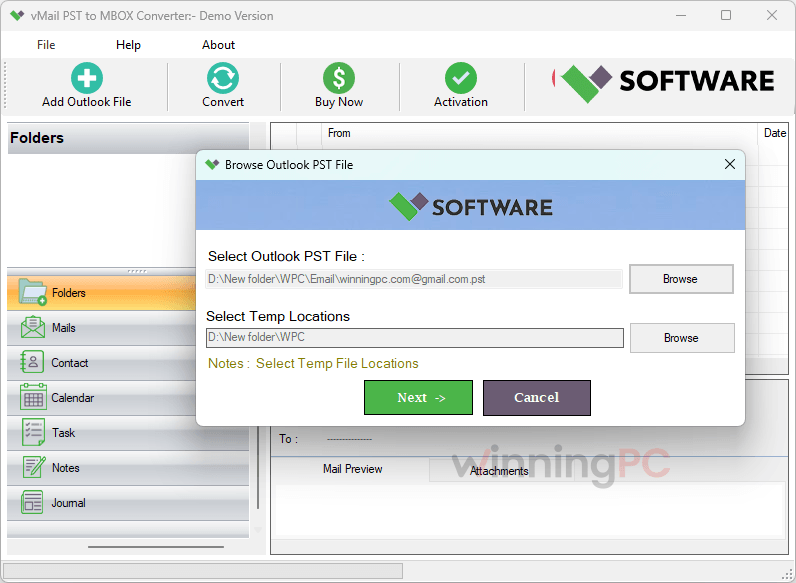
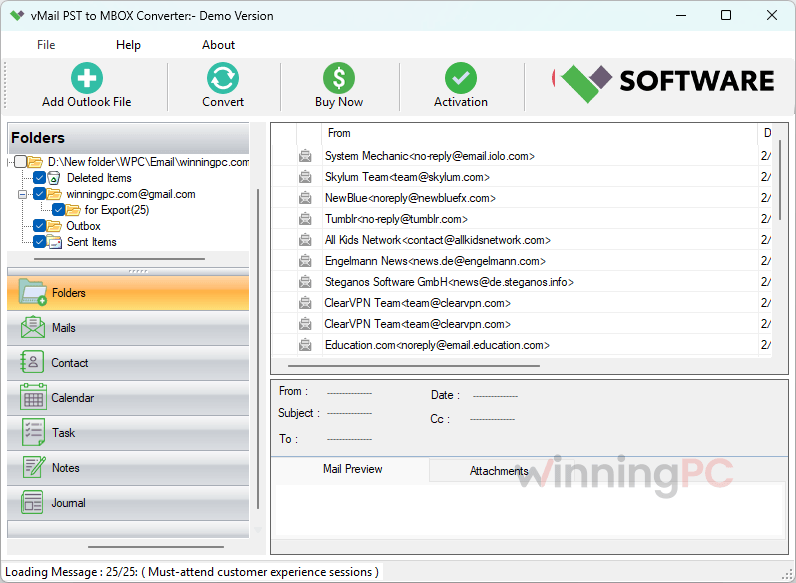
- Keeps To, CC, BCC, date, subject and attachments, with a preview before you convert.
What we think
More vMail PST to MBOX Converter Screenshots
Which vMail PST to MBOX Converter Plan Should You Buy?
| Plan | Price with code | PCs | License term | Updates | Cost per PC | Best for |
|---|---|---|---|---|---|---|
| Personal | $21.75 | 2 | 1 year | 1 year | $10.88 | A one-time move from Outlook to Thunderbird or Apple Mail |
| Corporate | $66.75 | 5 | Lifetime | 1 year | $13.35 | Small offices, or anyone who will need it again later |
| Technician | $149.25 | 10 | Lifetime | 1 year | $14.925 | IT staff and consultants migrating many machines |
Is there a cheaper or free PST to MBOX option?
| Tool | Entry price | Platform | Output formats | Best for |
|---|---|---|---|---|
| vMail PST to MBOX Converter | $21.75 with code (Personal, 2 PCs, 1 year) | Windows, Mac | MBOX, EML, EMLX, MSG, HTML, vCard, vCal | A cheap migration that also brings contacts and calendars |
| BitRecover PST Converter Wizard | $23.20 Standard (sale price, 2 PCs) | Windows, Mac | 39 saving options | Needing many formats from one tool |
| SysTools PST Converter | $36.75 Personal (1 PC) | Windows | Several formats, including MBOX | An established brand with more export options |
| MacUncle PST Converter | $23.2 Standard | macOS | Several formats | Converting directly on a Mac |
| readpst (libpst) | Free, open source | Linux, macOS | MBOX | Users comfortable with the command line |
If you only need MBOX and don’t mind typing one command, readpst does the core job for free. vMail earns its price with a point-and-click interface, separate contact and calendar exports, and support for damaged and password-protected files.
Frequently Asked Questions
Does the vMail PST to MBOX Converter Personal license stop working after one year?
V Software doesn’t say. The Personal plan is listed as a 1-year license, but whether the software stops or only the updates end isn’t stated, so ask the publisher before buying. If you’ll need it beyond a year, Corporate is lifetime for $66.75.
Do I need Outlook installed to convert PST to MBOX?
Not on Mac, according to V Software. The Windows edition’s requirements don’t list Outlook either, though the publisher doesn’t state it outright.
Can vMail PST to MBOX Converter save to formats other than MBOX?
Yes. Besides MBOX, the Windows version we installed saves to EML, EMLX, MSG and HTML, plus vCard for contacts and vCal for calendars. That’s how contacts and calendars come across: as their own standard files, not inside the MBOX. There’s no option to upload straight to an email account, though.
Can the free demo handle the whole conversion?
Only if every folder holds 30 items or fewer. The demo saves 30 items per folder, so it suits a quick test, not a real mailbox.
Is there a free way to convert PST to MBOX?
Yes, two. On Linux or macOS, the open-source readpst tool converts PST to MBOX from the command line. On Windows, Thunderbird’s built-in import can pull mail from Outlook, but it needs Outlook installed and working on the same PC. Neither helps much with damaged or password-protected files, which is where a paid tool earns its keep.
Can I convert on Windows and open the MBOX files on a Mac?
Yes. MBOX files are portable, so copy them to the Mac and use File > Import Mailboxes in Apple Mail.
Does the Mac edition work on Apple Silicon or the latest macOS?
That isn’t confirmed. vMail PST to MBOX Converter lists macOS 11 Big Sur and older with an Intel Core i3 processor, so test the demo on your Mac first.
Can I get a refund?
Yes, within 10 days of purchase. V Software refunds customers who aren’t satisfied and contact it within that window, but the policy covers purchases made directly from vsoftware.org, and requests after day 10 are refused unless the transaction was fraudulent. Ten days isn’t long, so run the free demo on your own PST before buying rather than counting on the refund.
System Requirements & Details
| Field | Windows edition | Mac edition |
|---|---|---|
| Operating system | Windows 11, 10, 8.1, 8, 7, Vista, XP | macOS 11 Big Sur, 10.15 Catalina and older |
| Processor | Pentium class | Intel Core i3 |
| RAM | 128 MB minimum (512 MB recommended) | 128 MB minimum (512 MB recommended) |
| Disk space | 50 MB | 50 MB |
| Supported input formats | Outlook PST (ANSI and Unicode, Outlook 2002 to 2021), including password-protected and damaged files | Same |
| Supported output formats | MBOX, EML, EMLX, MSG, HTML, vCard (contacts), vCal (calendars) | Same |
| Other requirements | Demo saves 30 items per folder; optional “Merge All Folder and Items” setting; full version needs a license key | No Microsoft Office installation needed |