On this page
vMail PST Splitter Tool Coupons & Pricing
vMail PST Splitter Tool
3 plans · best save 78%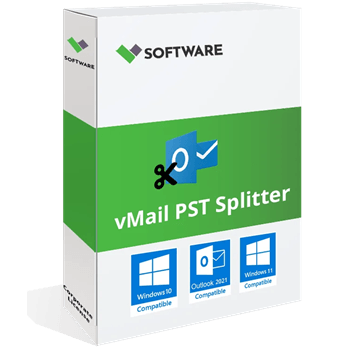
Personal License ★ Best Deal
1 Year License for 2 PCs | 1 Year Software Updates | Free Technical Support
Corporate License
Lifetime License for 5 PCs | 1 Year Software Updates | Free Technical Support
Technician License
Lifetime License for 10 PCs | 1 Year Software Updates | Free Technical Support
Can you trust this vMail PST Splitter Tool deal?
Yes. The code runs through V Software’s own checkout, and the license is a genuine serial issued by the publisher.
Official source
You buy directly from vMail Software Solutions (vsoftware.org), not from a key reseller.
No crack or patched build
You install the vendor’s own download and unlock it with the serial they email you.
Your original PST
The vendor states the split doesn’t modify the source file. Copy it somewhere safe first anyway, as you should before running any mail tool.
10-day refund
Purchases made directly from V Software are refundable if you ask within 10 days.
How to Use the vMail PST Splitter Tool Coupon Code
In the pricing box above, choose Personal, Corporate or Technician.
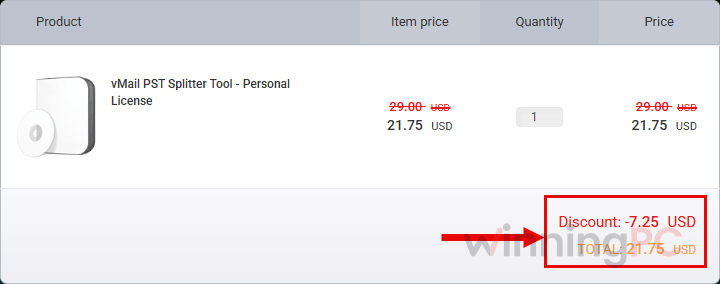
V Software’s checkout opens with XMAS2*** already applied. Check the total before you pay: Personal should read $21.75, Corporate $74.25 and Technician $149.25. If you see the full price, the code didn’t attach, so go back and use the plan button again.
Complete the payment on V Software’s checkout page. Watch your inbox. The serial number is emailed automatically, usually within 15 minutes.
Open your installed copy of vMail PST Splitter Tool, click Register, and enter the license details from that email. This lifts the trial’s 30-item saving limit.
vMail PST Splitter Tool Review & Features
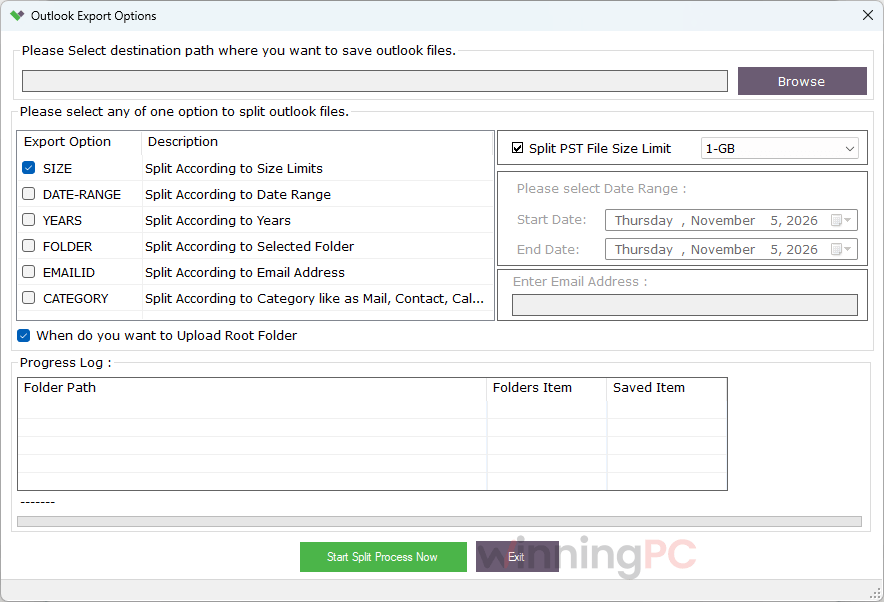
The reason to split at all is practical: Outlook 2010 and later cap a Unicode PST at 50GB by default, and performance usually sours well before that. Where vMail PST Splitter Tool earns its keep is in how you divide the file. Splitting by sender email ID or by item category lets you build one PST per client, or pull contacts and calendars away from mail, which is far more useful than slicing by size and hoping. It also reads the PST directly, so you can run it on a machine without Outlook, and the vendor says your source file stays untouched.
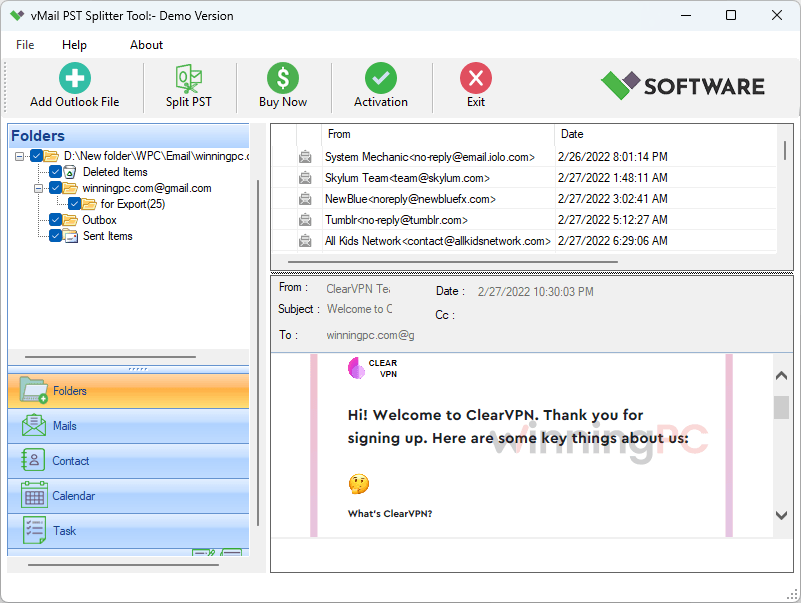
The date option is simpler than the name suggests: pick a cut-off and you get two files, before and after. The catch is maturity. This is version 1.0, and the product page has the rough edges to match (its feature list mentions “VCF to PST conversion”, which isn’t what a splitter does). Run the free trial on a copy of your PST before you trust it with the original.
Key features
- Split by date range, size, year, sender email ID, folder, or item category (mail, contacts, calendar, tasks), so the result matches how you actually look for old mail.
- Works on password-protected PSTs, and the vendor says it can also split corrupted ones.
- No Outlook installation needed to run the split, handy on a spare PC or a server.
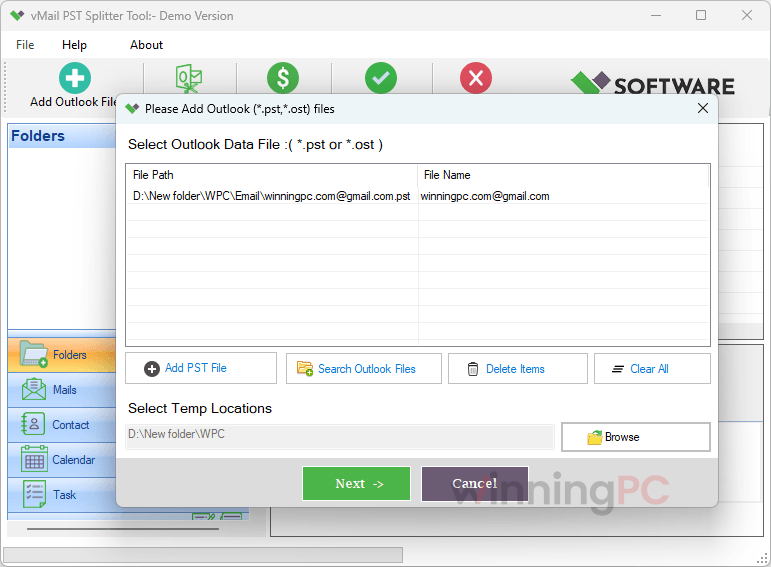
- Add several PST or OST files in one session instead of processing them one at a time.
What we think
More vMail PST Splitter Tool Screenshots
Which vMail PST Splitter Tool Plan Should You Buy?
| Plan | Price with code | Key validity | Updates | Installs | Best for |
|---|---|---|---|---|---|
| Personal | $21.75 | 1 year | 1 year | 2 PCs | A one-off clean-up of your own mailbox |
| Corporate | $74.25 | Lifetime | 1 year | 5 PCs | Ongoing archiving across a small office |
| Technician | $149.25 | Lifetime | 1 year | 10 PCs | Admins who split PSTs on many machines |
“Lifetime” means the key never expires. Updates still end after year one on all three plans.
How vMail PST Splitter Tool compares, including the free option
| Tool | Starting price | Splits by | Best for |
|---|---|---|---|
| vMail PST Splitter Tool | $21.75 (Personal, with code, 1-year key) | Date, size, year, sender email ID, folder, category | Lowest price and the most split options |
| SysTools Split PST | $36.75 (Personal, 1 PC) | Date, size, year, folder | Buyers who prefer a long-established brand |
| Kernel for PST Split | $34.3 Home / $69.3 Corporate / $209.3 Technician | Size, date, folder, sender email ID | The same three-tier setup from an established vendor |
| Outlook Archive (built in) | Free | Date cut-off, per folder | Light trimming when Outlook still opens the file |
If Outlook still opens your PST and you only want old mail moved out, try the free Archive feature first (File > Info > Tools > Clean Up Old Items). A paid splitter earns its money when the file is too large or too damaged for Outlook to handle, or when you need splits by sender or category.
Frequently Asked Questions
Is the vMail PST Splitter Tool coupon really 78% off?
Only on the Personal plan, which drops from $99 to $21.75. Corporate ($149 to $74.25) and Technician ($299 to $149.25) come out at about 50% off.
Do I need Outlook installed to split a PST?
No. The tool reads the PST file directly. You will need Outlook later to open the smaller files it creates
Does the vMail PST Splitter Tool Personal license expire?
Yes, after one year. Corporate and Technician keys are lifetime, but on all three plans updates run for one year only. If you only have a single big file to deal with, the one-year key is usually enough. If splitting is a recurring chore in your office, the Corporate key is the safer buy because it keeps working after the first year.
What can I do with the free trial?
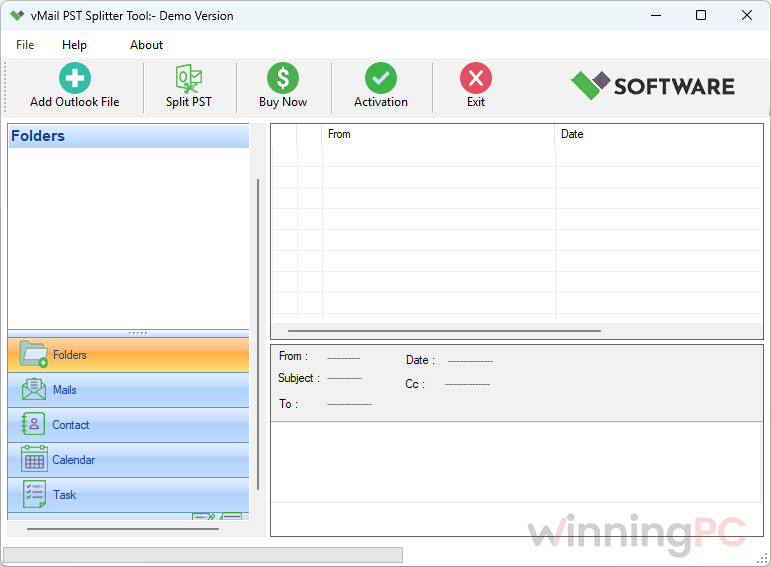
You can load your PST, preview the contents, and save up to 30 items. That is enough to check the tool reads your file correctly before you pay.
Can vMail PST Splitter Tool split OST or password-protected files?
Yes. The vendor lists OST files and password-protected PSTs as supported inputs, and you can add several files in one session.
Does it work with Outlook 2024 or Microsoft 365?
They aren’t on the vendor’s list, which stops at Outlook 2021. Microsoft 365’s classic Outlook uses the same Unicode PST format, so it may well work, but test with the trial before buying.
How fast is delivery, and can I get a refund?
The serial arrives by email within about 15 minutes. If you’re unhappy, contact V Software within 10 days of a direct purchase for a refund.
System Requirements & Details
| Field | Value |
|---|---|
| Operating system | Windows 11, 10, 8.1, 8, 7 |
| Processor | Pentium class |
| Memory | 4GB RAM minimum (8GB recommended) |
| Disk space | 150MB free for installation |
| Outlook required? | No, not for splitting |
| Outlook versions supported | 2003, 2007, 2010, 2013, 2016, 2019, 2021 (32-bit and 64-bit) |
| Supported input formats | PST (ANSI and Unicode), OST, archive PST, password-protected PST, corrupted PST |
| Supported output formats | PST (smaller split files) |
| File size limit | None stated by the vendor |